The Plan tab is a lightweight planning space alongside your manuscript, not a separate app to manage. Set a goal, sketch an outline, and check your pace: all in the same project, updating live as you actually write.
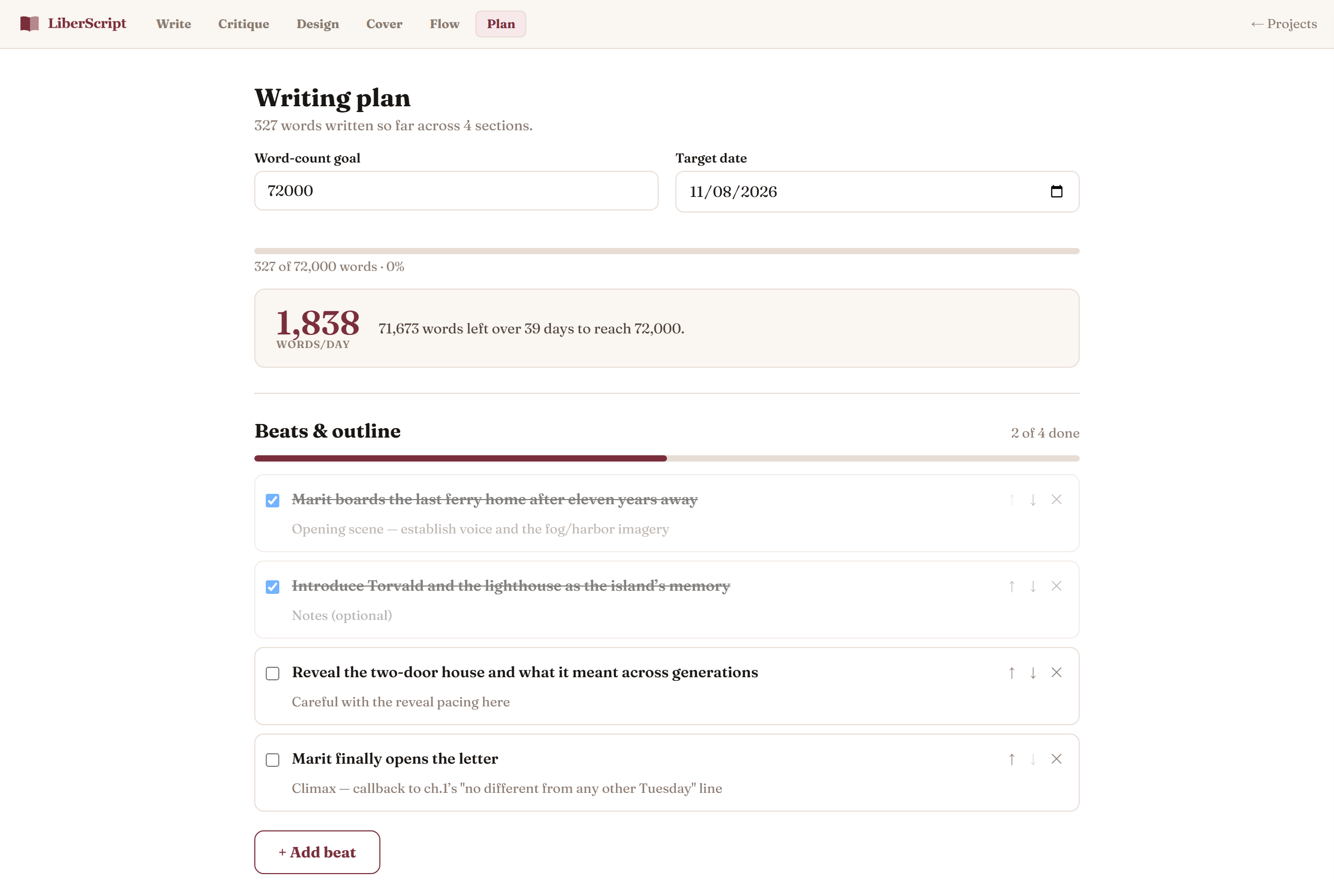
Word-count goal & pace
Set a target word count and a date you'd like to reach it by, and LiberScript works out the daily pace you'd need to get there based on your current progress: recalculated fresh every time you open the tab, so it always reflects where you actually are, not where you were when you first set the goal. A progress bar shows how far along you are.
Story beats
Lay out your book as a flat, ordered list of beats: plot points, scenes, chapter ideas, research notes, whatever structure suits how you plan. Add, edit, reorder, and check off beats as you go (a counter shows how many are done), and delete anything that no longer fits. It's deliberately simple: your chapter list in the sidebar already shows word counts per section, so between the two you get a clear sense of progress without a heavier project-management view getting in the way of writing.
How to use it, step by step
Related
For the smaller, in-the-moment thoughts that don't need a full beat.
Read more →